Organize your library
Bring in tracks and playlists from DJ software. Edit tags, catch duplicates, and build smart playlists.
Open BeatPM to refresh your account. It may take a moment for your access to update.
You can return to BeatPM to check your account or choose a plan later.
BeatPM for Mac
A DJ library manager for organizing tracks, prepping cues, and trying out mixes before you play them live.
Bring in tracks and playlists from DJ software. Edit tags, catch duplicates, and build smart playlists.
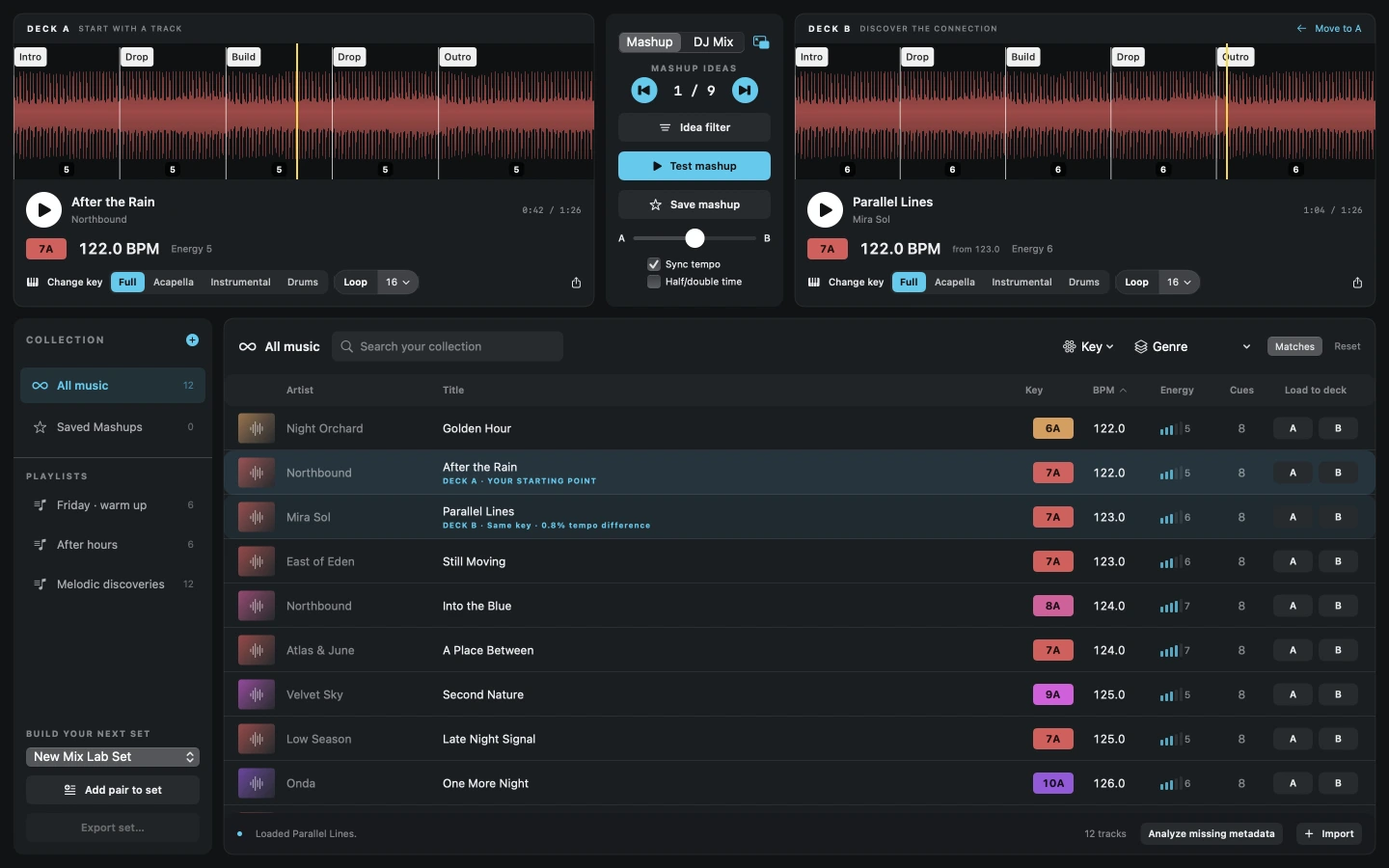
Preview on two decks in Mix Lab. Try harmonic pairings, adjust key and tempo, and isolate stems offline.
Prepare cue points and move music between setups including Serato, rekordbox, and USB drives.
One plan with every feature included. Start with a 14-day free trial. No credit card required.
$8.99 / month
$79 / year
$199 once
Free for OpenGig friends
Prices in US dollars. Refunds and cancellation
Use your OpenGig account, or create one in BeatPM and confirm your email. Your 14-day trial begins the first time your new account checks for access.
Sign in online first so BeatPM can save a signed record of your access on your Mac. Paid and friend access works offline for up to 30 days after the last successful check. A trial still ends on its original end date.
In BeatPM, go to Settings → Account and select Manage Subscription to open Stripe’s billing portal. You can cancel a monthly or yearly subscription there. Lifetime is a one-time purchase. See the refund and cancellation policy.
When the download is available, open the DMG on an Apple Silicon Mac with macOS 14 or later and drag BeatPM into Applications. Then open BeatPM from Applications and sign in.